New video generation trend guides
A curated shelf of the video trends worth copying this week — picked by the Prompt Mandi team, with the exact prompts and workflows behind them.
 Video Guide6 min
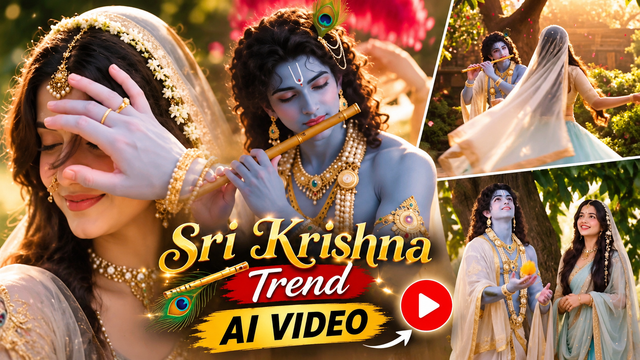
Sri Krishna Radha AI Video Prompt – Create a Divine Love Story
Create a beautiful 30-second cinematic Radha Krishna AI video using your own face reference, traditional Indian outfits, divine flute scenes with three detailed video prompts.
 Video Guide5 min
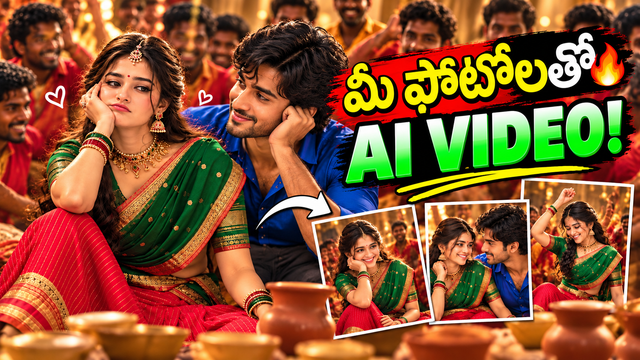
Yeshanagula Couple AI Video Prompt — Gemini
Create a realistic cinematic AI couple video using your own characters, traditional outfits, romantic expressions and a festive Indian atmosphere.
 Video Guide13 min
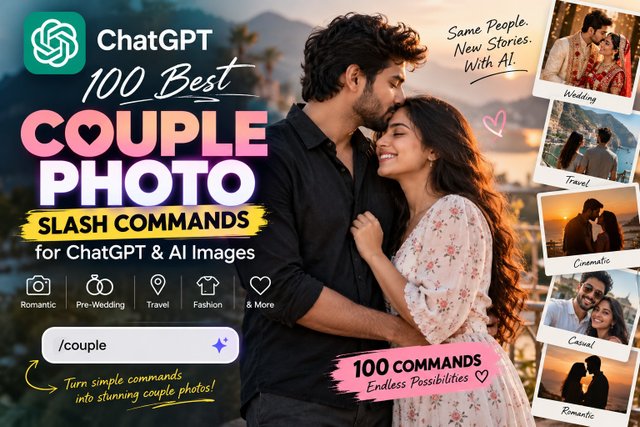
100 Best Couple Photo Slash Commands for ChatGPT & AI Images
Creating beautiful couple photos with AI doesn't always require complicated prompts. With the right slash commands, you can quickly tell ChatGPT what kind of couple photo you want to create, edit, or transform. Whether you want a romantic portrait, cinematic pre-wedding photo, wedding-style image, travel couple photo, casual Instagram picture, or a creative couple photoshoot, these 100 couple photo commands can give you a simple starting point. In this guide, you'll find 100 easy-to-use slash commands organized into different categories so you can quickly find the style you want.
 Video Guide6 min
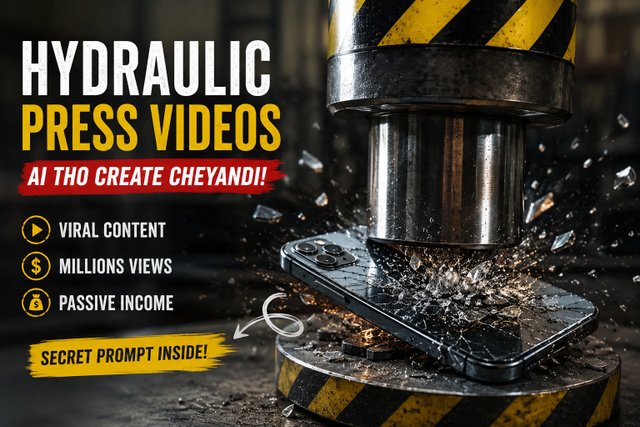
How to Create Viral Hydraulic Press Videos with AI
Learn how to create realistic hydraulic press crushing videos using AI. Discover how to turn simple object ideas into satisfying glass, metal, phone, cake and ASMR-style crushing videos without owning a hydraulic press.
 Video Guide9 min
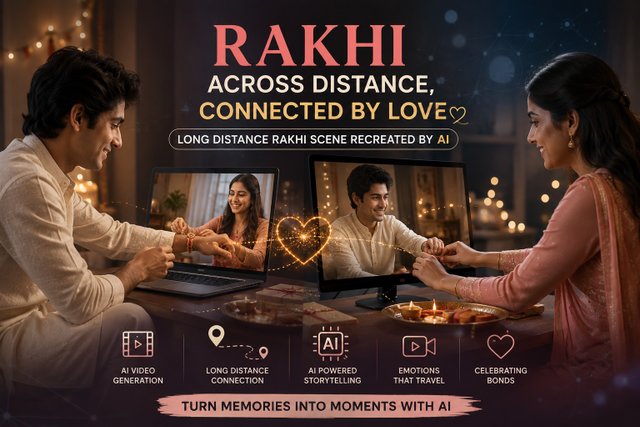
How to Turn a Rakhi Photo into a Heartwarming Video with AI
rakhi brother and sister prompts
 Video Guide2 min
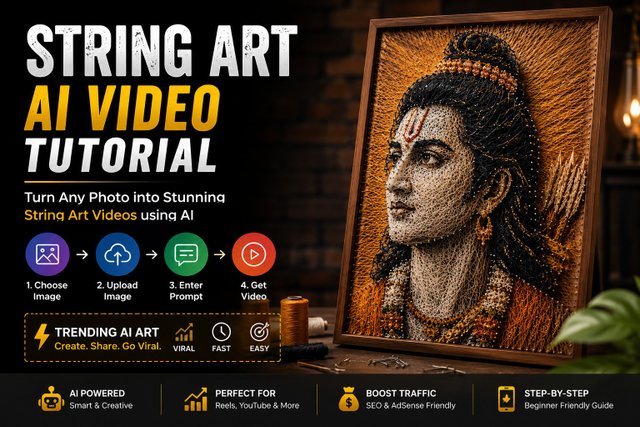
How to Create AI String Art Videos from Any Photo
Learn how to create stunning AI string art videos from any photo using Google Gemini. Follow this simple step-by-step tutorial and prompt guide.
 Video Guide11 min
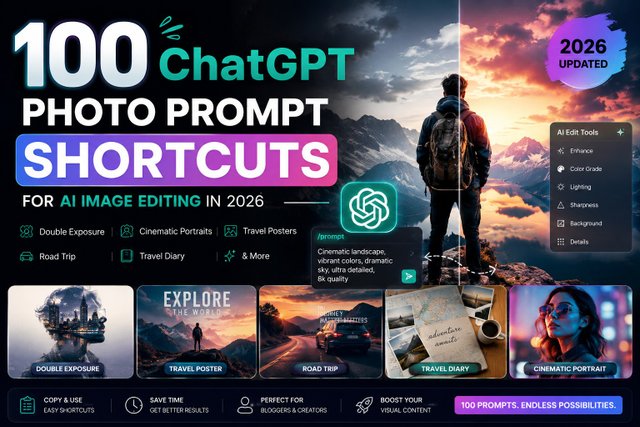
100 ChatGPT Photo Prompt Shortcuts for AI Image Editing in 2026
Editing photos with ChatGPT can be much easier when you have short, reusable instructions ready to paste. Instead of writing a detailed image-editing request from scratch every time, you can create your own shortcut-style prompts for portraits, selfies, backgrounds, lighting, fashion, cinematic effects, restoration, products, thumbnails, and creator content. These shortcuts are custom prompt formats, not official ChatGPT commands. A slash such as /portrait or /cinematic is simply a memorable label for a longer instruction. Upload your image, enter the shortcut with the instruction, and adjust the request according to the result you want.