How to Create AI String Art Videos from Any Photo
Learn how to create stunning AI string art videos from any photo using Google Gemini. Follow this simple step-by-step tutorial and prompt guide.
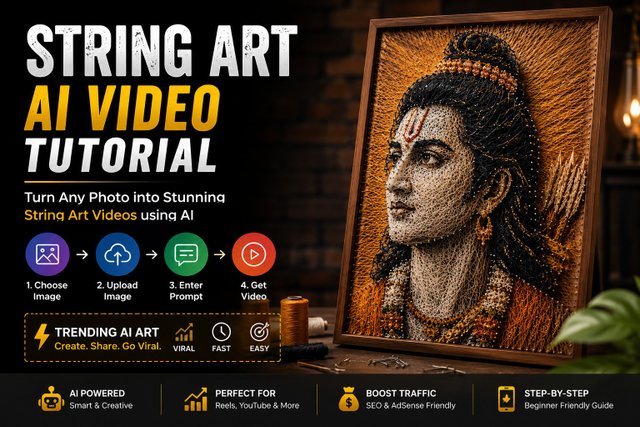
Video prompt Create one 10-second vertical 9:16 string-art video using uploaded image as ONLY exact reference. Preserve woman's pose, silhouette, dress, colors, proportions, thread pattern and composition. 0-2s: Macro shot with smooth camera movement; realistic hands hammer nails around outline on a wooden canvas. 2-4s: Weave blue thread between nails to form upper body; every thread stays connected. 4-6s: Smooth downward move as white and gold threads form dress skirt, showing tension. 6-8s: Extreme macro; complete gold circular detail and trim excess thread with scissors. 8-10s: Zoom out to reveal artwork matching reference exactly. Same canvas; build progressively, never instantly. Realistic hands, nails, thread physics and workshop sounds. No music. No painting, printing, digital drawing, floating/disconnected threads, missing nails, morphing, jump cuts, flicker, CGI, cartoon, watermark or text.!
Step-by-Step Process
1. Choose Your Photo
Select a clear, high-quality image that you want to transform into a string art-style video.
2. Open Google Gemini
Open Google Gemini and start a new generation. Upload the image you want to use as your reference.
3. Add the AI Prompt
Paste the string-art video prompt along with your uploaded image. Clearly describe the transformation, camera movement, lighting and final visual style you want.
4. Generate the Video
Submit the prompt and let Gemini process the reference image. The AI will generate the requested string-art video based on your instructions.
5. Review the Result
Check the generated video for facial consistency, string details, movement, lighting and overall quality. If necessary, refine the prompt and generate another version.
6. Use It for Social Media
Once you're happy with the result, edit the video for Instagram Reels, YouTube Shorts or other vertical platforms. Add suitable music, captions and sound effects before publishing.
Important Tips
Use a high-resolution reference image.
Keep your prompt specific.
Describe the desired camera movement clearly.
Avoid changing too many visual elements at once.
Generate multiple versions if the first result isn't accurate.
Don't use copyrighted images or other people's photos without permission.